

Hey savvy shoppers! When the items in our articles catch your eye and you decide to buy through our links, we may earn a small commission at no extra cost to you. Think of it as a way of supporting us in bringing you the best content!
Here is the thing about 2-in-1 laptops that nobody really tells you upfront: the flexibility is not just a gimmick — it actually changes how you use a computer day to day. I spent an afternoon a few months back paralysed in front of a product comparison page, trying to choose between a proper laptop and a tablet. I needed something that could handle spreadsheets and video editing, but also fold back flat for watching films on the sofa without feeling like I was sat at a desk. That one afternoon sent me down a rabbit hole I have not fully climbed out of since.
Whether you are a student who wants to scribble lecture notes and type essays on the same device, a designer who needs a touchscreen that actually keeps up with your stylus, or just someone who is fed up carrying two gadgets — the 2026 lineup of convertible laptops is the best it has ever been. Better processors, hinges that do not creak after three months, screens that make you want to stare at them. Let us get into it.
So What Even Is a 2-in-1 Laptop?
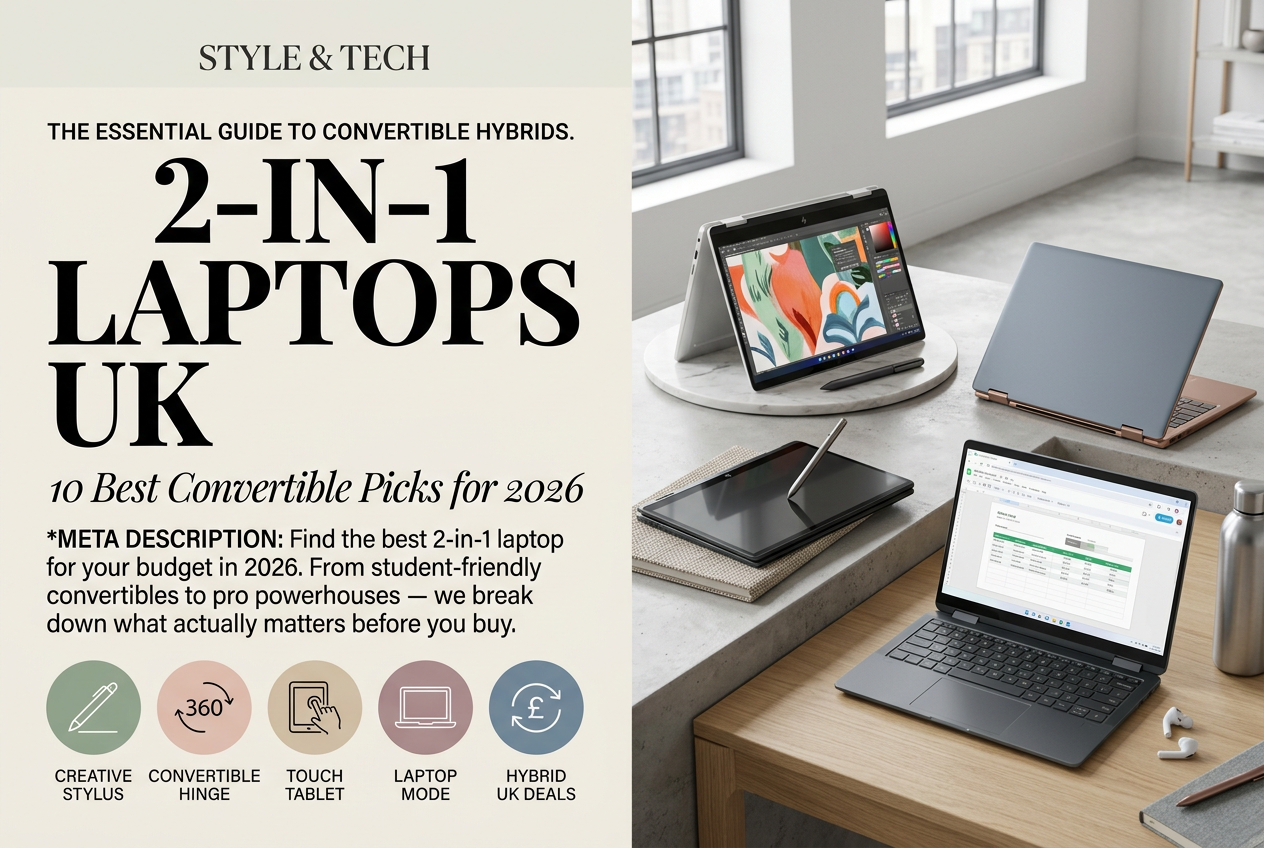
A 2-in-1 laptop (also called a convertible or hybrid laptop) is a machine that shifts between laptop and tablet modes, either by rotating 360 degrees on a hinge or by detaching the keyboard entirely. You get the full computing power of a laptop with a touchscreen you can actually interact with directly — no trackpad required when you are annotating a document or sketching out an idea.
The practical upside is straightforward. Carrying two devices is annoying and expensive. A 2-in-1 handles emails and spreadsheets in laptop mode, then folds flat for presentations, drawing, or just scrolling through your phone with both hands while pretending to work. Tent mode — propped up like an inverted V — is genuinely useful for watching something on a small table or showing someone a screen without physically turning the whole machine around. Students tend to love them because handwriting notes with a stylus sticks in your memory better than typing, and designers often find the switch to touchscreen working transforms what they can do. The downsides are real, though: they cost more than equivalent standard laptops, battery life can take a knock from the added hardware, and if you want a dedicated gaming rig or a true workstation, a traditional laptop will serve you better. But for flexibility? Nothing comes close.
Premium Picks for Professionals
If your work genuinely demands it — video editing, 3D work, heavy multitasking across a dozen tabs and three applications — then spending more upfront makes sense. These machines do not blink at demanding tasks.

High-end professional convertible laptop with powerful processor for creative work and demanding tasks
At this price tier, 16GB RAM is the floor, not the ceiling. You are looking at 120Hz displays minimum, fast NVMe storage, and build quality that does not flex when you pick the machine up by one corner. Stylus support is standard here, which matters if you do detailed on-screen work — the difference between a budget touchscreen and a premium one is not subtle.

Premium convertible with OLED display for vibrant colours and superior screen quality, ideal for creative professionals
Real-world battery life on premium convertibles tends to land between 10 and 12 hours. That is a full working day without hunting for a socket. Hinges feel planted — no wobble, no creak, no sense that the thing might eventually give up on you mid-presentation.

Large-screen convertible with stylus included, perfect for detailed design and creative work
One caveat worth saying plainly: premium does not mean right for everyone. If your day is mostly email, browser tabs, and the odd spreadsheet, you are buying power you will never touch. But for video work, architecture, or any creative workflow that benefits from a fast, responsive touchscreen, the extra money pays for itself quickly — and you will feel the difference from day one.

Professional convertible with advanced connectivity and fast storage for creative workflows
Warranty coverage at the premium end is worth factoring into the price comparison. Most come with at least two years, and some manufacturers offer support tiers where someone actually answers when you call. When a machine is your livelihood, that is not nothing.
Convertible laptop with enterprise security features and ample memory for professional use
Lenovo, ThinkPad X1 Carbon Core Ultra 5 16GB RAM 512GB SSD Windows 11 Pro… £1399.97
Good Convertibles Without the Eye-Watering Price Tag
Most people do not need a machine that costs £1,500. Full stop.
The £400-£700 range has become genuinely good over the past couple of years. Manufacturers have worked out what actually matters at this price point — a hinge that holds up, a touchscreen that does not feel like you are poking at a slightly damp piece of card, and enough processor headroom to run your actual workload without grinding. You might not get an OLED panel or the latest flagship chip, but you get a machine that does the job without any drama.

Affordable convertible laptop ideal for students and everyday tasks with touchscreen functionality
Storage is one place budget machines tend to cut corners — 256GB instead of 512GB is common. Honestly, for most students and everyday users that is fine, especially if you use cloud storage for anything bulky. Battery life usually lands around 8-10 hours, which covers a full day of lectures or a standard working day without needing your charger in your bag.

Portable and affordable 2-in-1 laptop perfect for students and those on the go
What surprised me when I actually sat with a few budget convertibles was how little I missed the premium specs. Scrolling felt smooth. The hinge clicked into tent mode without fuss. The touchscreen responded without any obvious lag. Actually, that is not quite right — one of the cheaper models I tested did have a noticeable delay on the stylus input, which was maddening after about ten minutes. So still worth checking reviews specifically for that before buying.

Affordable Chromebook convertible with touchscreen for students and everyday browsing
Student discount codes are worth a quick search before checkout. Most major retailers knock 10-15% off for students, which pushes some of these machines into properly affordable territory — sometimes by over a hundred pounds.

Value-for-money convertible laptop with solid AMD processor for everyday computing

Entry-level 2-in-1 laptop with touchscreen and reliable performance for basic computing needs
What should you actually check before buying?
Specs on a product page will only get you so far. Here is what actually matters when you are about to spend several hundred pounds on a convertible laptop, drawn from things that have genuinely caused problems for people who bought without checking.
Hinge quality. This is the part that defines the whole experience. A hinge that wobbles, stiffens up, or starts creaking within six months makes a convertible laptop miserable to use — because you are touching and repositioning it constantly in ways you would never do with a regular laptop. Look specifically for reviews that mention the hinge after extended use, not just out of the box. Brands like Lenovo have built their Yoga line around this and it shows.
Touchscreen responsiveness. Try it in person if you can. Does it respond immediately when you tap? Does dragging feel smooth? Budget models occasionally have a slightly sticky or laggy feel that you only notice once you have been using it for a while — and by then you are past the easy return window.
Stylus support. Not all 2-in-1 laptops include a stylus in the box, and the ones sold separately are not cheap. Also check pressure sensitivity: 4096 levels is workable, 8192 is better for anything detailed. Latency — the gap between pen movement and what appears on screen — matters enormously here. Any noticeable delay will frustrate you within minutes.
Screen size and resolution. The 13-15 inch range covers most convertibles. Smaller means lighter and easier to carry; larger means more room to actually work. On resolution: 1920×1200 is fine for everyday use, and anything at 2560×1600 or above looks genuinely sharp but will drain the battery faster.
RAM. Eight gigabytes is the minimum. Sixteen is better. Do not compromise on this if you can help it, because you cannot upgrade it later on most modern convertibles.
Ports. Check the physical ports before buying, not after. USB-C is essential. At least one USB-A port saves you from needing a dongle for older devices. If you present regularly, HDMI or a video output is worth having. Thunderbolt is useful but not essential for most people.
Weight. Anything over 1.8kg starts to feel heavy in a bag after about twenty minutes of walking. Thickness matters too — a chunky machine is harder to slide into a laptop sleeve or a crowded backpack.
Asus vs Lenovo vs the Rest
Brand loyalty is mostly irrational with laptops, but different manufacturers do have genuine strengths worth knowing about before you start comparing models.
Asus built its ZenBook and VivoBook convertibles around design first. They look good. Hinges are consistently well-rated. They sit in the mid-to-premium range and tend to run slightly warm under sustained load — not a dealbreaker, but worth knowing if you work in short sleeves and have the machine on your lap.
Lenovo invented the modern convertible laptop format with the Yoga line and they are still very good at it. Reliable build, solid hinges, honest battery life estimates, and warranty options that are actually worth having. The designs lean corporate, which either suits you or does not. Their refurbished ThinkPad options offer some of the best value in this category if you are comfortable buying refurbished.
Dell’s XPS convertibles are beautifully made and typically have excellent displays, but you pay a premium over equivalent Asus or Lenovo specs. HP’s Envy and Pavilion ranges are solid and competitively priced — a reasonable default if you are not set on a particular brand. Microsoft’s Surface line (Surface Pro especially) sits in its own slightly odd category: brilliant for creative work, expensive, and built around a detachable keyboard rather than a flip hinge, which is a meaningfully different experience.
Read reviews of the specific model. A mid-range Asus can easily outperform a premium HP on the things that matter to you.
How to Actually Pick One
Start with budget. Under £500, £500-£800, or above £800 — that cuts your options down immediately and stops you falling in love with something you cannot justify. Then think honestly about your workload. Heavy video or design work pushes you toward the premium tier. Everything else is fine on a mid-range machine, and the performance gap is much smaller than the price gap suggests.
Check the return policy before you buy. Most UK retailers give you 14-30 days. Use it. If the hinge feels off after a week or the touchscreen irritates you, send it back. There is no good reason to keep a device that does not suit you when you have a return window open.
The 2026 convertible market is genuinely strong across all price points, which was not true three or four years ago when budget options felt noticeably compromised. My honest opinion: for most people, a mid-range convertible around £600 hits the sweet spot between what you actually need and what you would actually use — and the flexibility of having one device that handles both work and leisure is worth more in practice than any individual spec upgrade.
Frequently Asked Questions
What is the difference between a 2-in-1 laptop and a regular laptop?
A 2-in-1 laptop has a hinge or detachable keyboard that lets it switch between laptop and tablet modes. Regular laptops only open to a fixed angle. The flexibility is the whole point — you get a full keyboard for work, then flip it flat for drawing, reading, or presentations.
Are 2-in-1 laptops good for students?
Yes, genuinely. The ability to take handwritten notes with a stylus, then switch to a keyboard for essays makes them well-suited to student life. Budget options around £400-£700 handle everything most students need without breaking the bank.
Do all 2-in-1 laptops come with a stylus?
No — and this catches people out. Some include one in the box, others sell it separately. Always check before buying. If stylus support matters to you, also look at pressure sensitivity levels: 4096 is acceptable, 8192 is noticeably better for detailed work.
How long do 2-in-1 laptop hinges last?
A well-made hinge should last the life of the laptop with normal use. Brands like Lenovo (Yoga series) have a strong track record here. If reviews mention wobbling or creaking within months of purchase, treat that as a serious warning sign.
Is 8GB RAM enough for a 2-in-1 laptop in 2026?
For basic use — browsing, documents, streaming — yes, 8GB is fine. But if you’re doing video editing, running multiple apps, or any design work, 16GB makes a real difference. Future-proofing with 16GB is worth the extra cost if your budget allows.



 No products in the cart.