

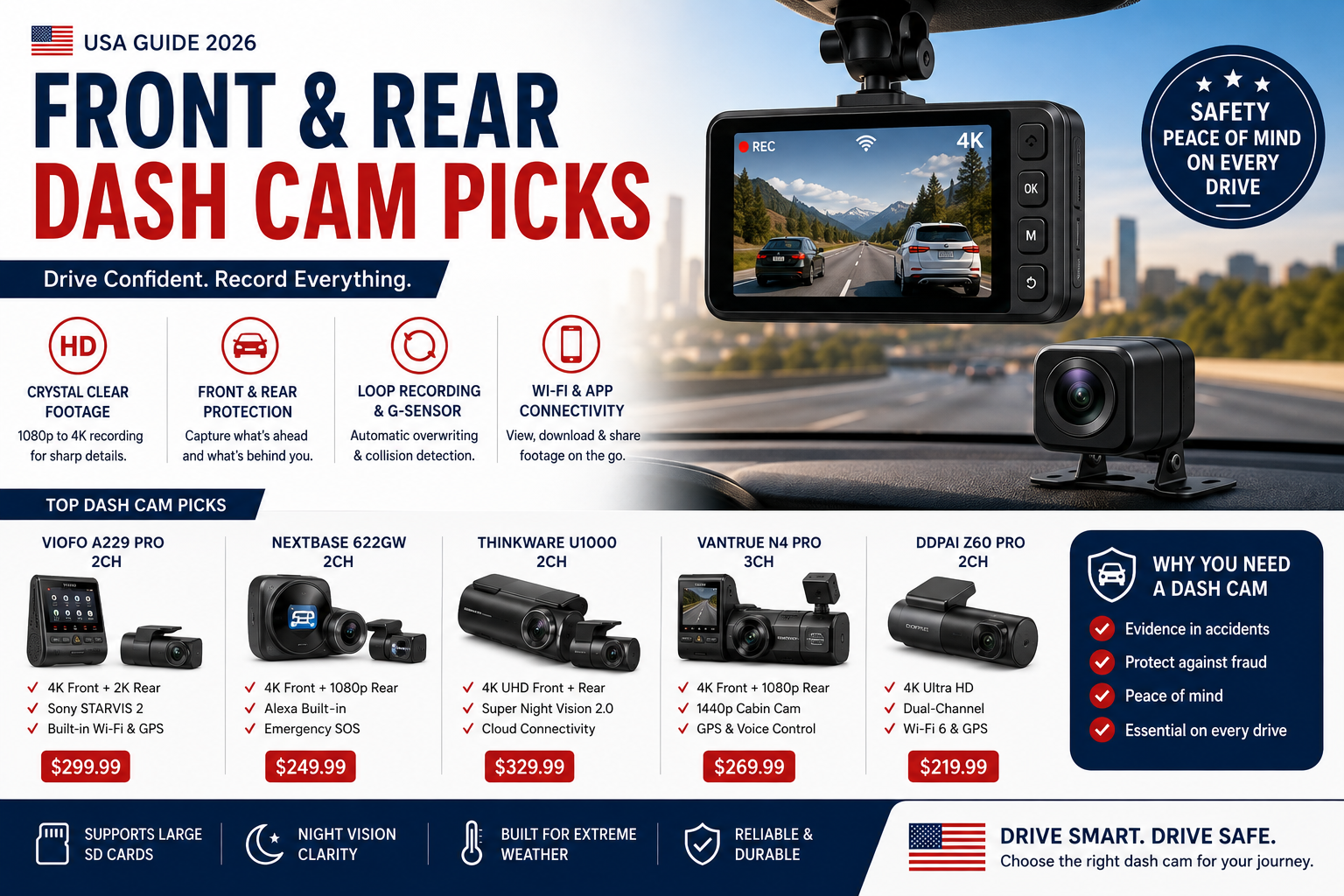
Here is the thing nobody tells you until it is too late: a single-camera dashcam can actually hurt your case. I watched a dashcam clip last month where someone’s car got sideswiped in a parking lot — clean front footage, zero rear coverage. The driver had no way to prove which panel was hit or what direction the other car came from. The insurance company basically shrugged. That’s the moment a front and rear dash cam stops being a nice-to-have and becomes something you genuinely wish you’d bought sooner.
Dual coverage is not paranoia. It’s just what driving in 2026 actually requires.
Why One Camera Isn’t Enough Anymore
Accidents happen in the space of about two seconds, and the story people tell afterward rarely matches the footage — when footage exists at all. Front cameras catch red-light runners and sudden stops. Rear cameras catch tailgaters, hit-and-runs, and the person who clips your bumper in a Whole Foods parking lot and keeps walking. Without both angles, you’re handing the other driver half the narrative. Insurance adjusters know this. A front and rear dash cam gives you the complete picture: what was in front of you, what was behind you, exact timestamp, sometimes GPS coordinates showing your speed and location at the moment of impact. That combination is what actually changes how a claim gets resolved.
Beyond accidents, there’s the parked-car problem. Your car sits unattended for eight hours a day, minimum. Parking mode keeps the cameras recording on motion or impact triggers while the engine is off — so when you come back to a dent and no note, you have the plate number and the time it happened.
Our Top 5 Picks
I’ve gone through more dual dash cam specs than I care to admit. These five made the cut based on image quality, real-world reliability, and whether the price actually makes sense for what you get.

Top-tier dual dash cam with excellent video quality for both front and rear angles
Cobra, SC 250R 4K Dual-View Front & Rear Dash Cam $199.99 (23% OFF — was $259.99)

Feature-rich dual dash cam with advanced parking mode and GPS tracking
NEXPOW, 4K Dash Cam Front Rear WiFi GPS Dual Camera Night Vision WDR 24H… $99.99

Reliable dual dash cam option with solid image quality and discreet design
Konica Minolta, MNCD338T 3-Channel Dash Camera (Blue) 1080P Full HD Dash Cam with… $105.95

Connected dual dash cam with app integration for easy footage review

Value-focused front and rear dash cam for drivers seeking basic protection
What actually matters when comparing specs?
Resolution first. A 4K front camera paired with 1080p rear is pretty standard at this point, and honestly the right call — most of the critical detail you need is in front of you. The key floor is 1080p on both cameras; drop below that and reading a license plate at 30 feet becomes a coin flip. The NEXPOW hits 4K up front at under $100, which would have seemed impossible a few years ago.
GPS is underrated. Most people skip it until they actually need it, then wish they hadn’t — because GPS timestamps your speed and exact position, which matters enormously if someone claims you ran a light or were driving recklessly when you weren’t. (It also helps you remember where an incident happened when you’re reviewing footage two days later and every intersection looks the same.)
Parking mode is where front and rear dash cams earn their keep. Motion-triggered or impact-triggered recording while the engine is off — that’s what catches the person who dings your door in a parking structure and walks away. The catch is power: continuous parking mode will drain your battery overnight if you’re not careful. Look for low-voltage cutoff protection, and hardwire the camera through your fuse box rather than relying on the 12V outlet if you actually plan to use this feature regularly.
Storage. A 256GB card covers roughly two days of continuous dual-camera footage before loop recording starts overwriting old files. That’s enough for almost everyone. Go to 512GB if you commute long distances and want a bigger buffer before footage cycles out.
Getting it installed cleanly
Front camera placement is easy — top center of the windshield, just below the rearview mirror, out of your sightline. Takes ten minutes. The rear camera is where people either do it right or end up with a cable dangling across their back window for the next three years.
Actually, that’s not quite right. You have two real options: route the rear cable through your headliner and down the D-pillar trim for a completely hidden run (takes 45 minutes and a trim removal tool, but looks factory), or tuck the cable along the edge of your headliner and run it down the side panel (visible up close, done in 15 minutes, and honestly fine for most cars). I went the hidden route on my own car and it took longer than I expected, but I’ve never once thought about the cable since.
For power, hardwiring through a fuse tap is the right call if parking mode matters to you. Running both cameras off a 12V outlet works but eats one of your ports and the cables are always in the way. A dedicated hardwire kit costs about $15 and the install is straightforward if you’re comfortable pulling a fuse panel cover.
Warranty and support actually matter here
A front and rear dash cam is a set-it-and-forget-it purchase — until something fails. Twelve months of warranty coverage is the minimum worth accepting; 24 months is better and worth paying slightly more for. The more useful thing to check is customer support reputation. Read one-star reviews specifically. If the pattern is “camera died at month 14 and nobody responded to my emails,” that’s a real signal, not just one unlucky person. SD card compatibility problems are also common with budget cameras, so check whether the manufacturer publishes a list of tested cards or includes one in the box.
Firmware updates are a quiet indicator of whether a brand actually supports their products. A company pushing updates six months after launch is fixing bugs and listening to users. A company that ships and disappears is not.
The Cobra SC 250R is the one I’d buy if I were starting from scratch — 4K front, solid parking mode, and Cobra has been around long enough that you’re not rolling the dice on support. But if $200 feels steep, the NEXPOW at $99.99 is genuinely hard to argue with for the spec sheet it delivers.
Some links on this page are affiliate links: if you buy through them we may earn a small commission at no extra cost to you. We only recommend products we would buy ourselves.
Frequently Asked Questions
Do I really need both a front and rear dash cam?
Yes, if you want full coverage. A front-only camera leaves you unable to document rear-end collisions, parking lot hit-and-runs, or anyone cutting in from behind. The rear camera is often the one that actually saves you.
What resolution should I look for in a dual dash cam?
At minimum, 1080p on both cameras. A 4K front camera is worth it if budget allows—license plate legibility at distance is noticeably better. The rear camera at 1080p is generally sufficient for most situations.
Will parking mode drain my car battery?
It can, if the camera runs continuously all night. Look for motion-activated or impact-triggered parking mode, which only records when something happens. Hardwiring through a fuse kit with a low-voltage cutoff protects your battery.
How hard is it to install a front and rear dash cam yourself?
The front camera takes about 10 minutes. Routing the rear camera cable through your headliner is trickier—plan for 45 minutes to an hour if you want a clean, hidden installation. Running the cable along the edge of your headliner is faster but slightly visible.
How much storage do I need for a dual dash cam?
A 128GB card gives you roughly one to two days of continuous footage before loop recording kicks in and overwrites old files. A 256GB card is a reasonable sweet spot. Some people go up to 512GB if they do long road trips and want to keep footage longer.



 No products in the cart.